Emails Incenti sends
Every email Incenti sends on your behalf or to you, who receives it, which ones also appear on the notification bell, what the subject lines look like, and why you cannot reply to them.
Before you start
- Every Incenti email comes from Incenti
<no-reply@incenti.co>. It is an unmonitored address: replies to it reach nobody. To reach a person, email support@incenti.co — see Contact support. - There are no email preferences. Nobody on your account, admin or not, can turn an individual email or notification on or off.
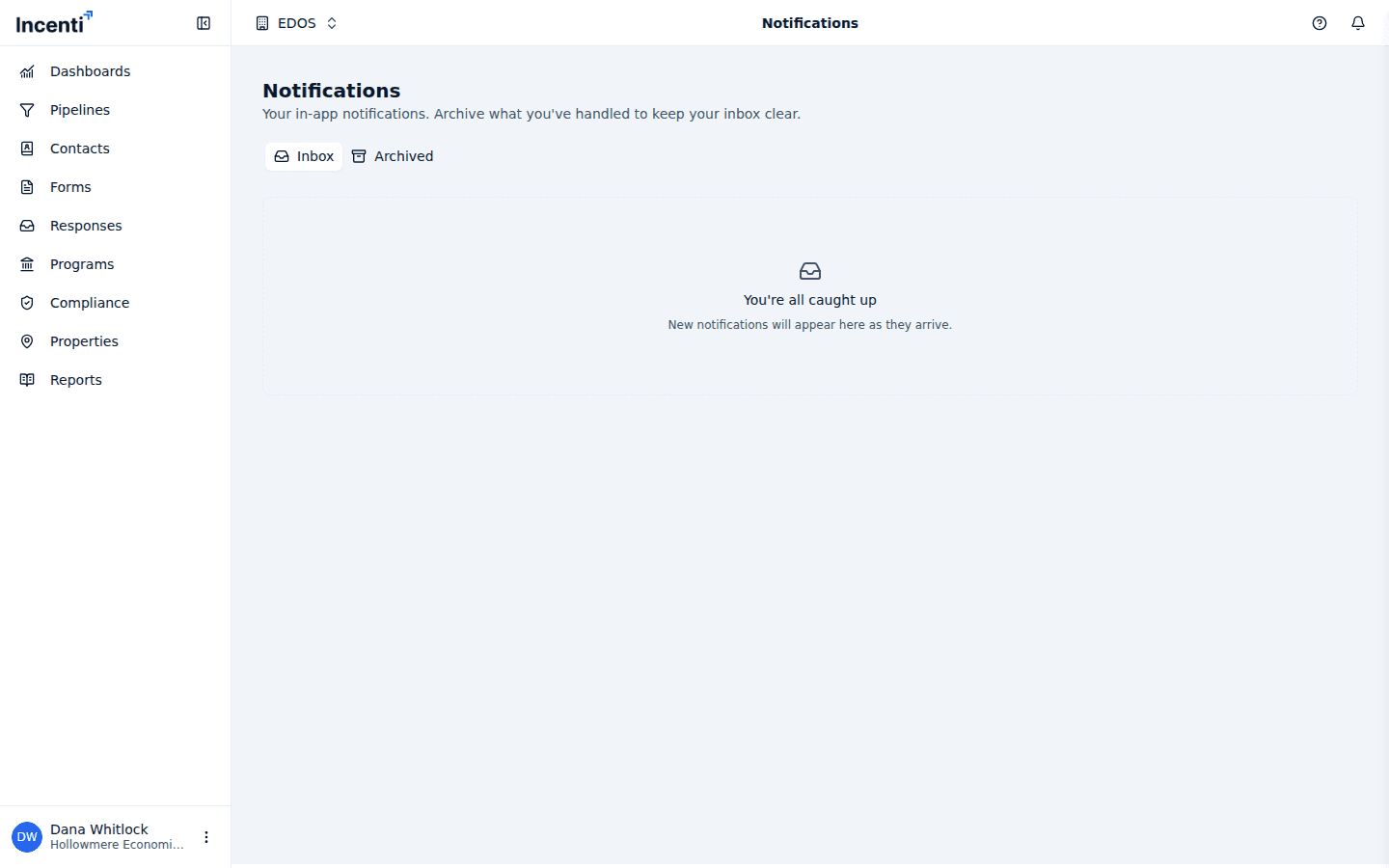
- "Bell" below means the event also creates an in-app notification. See Notifications and the bell.
Emails that go to people outside your account
These are the emails your work in Incenti sends to contacts, applicants, and respondents. Your account's logo and brand colour are used in them.
| Event | Who receives it | Bell | Email subject | What triggers it |
|---|---|---|---|---|
| Response request | Each contact you selected | No | Depends on the form's type; by default Action Required: Complete Your <form> | You send Request Responses from an opportunity |
| Response status update | The response's primary contact | No | Response Status Update for <form> | You accept, shortlist, or decline a response with the email option ticked |
A response-request email names your organization, carries a link to the form, lists the sender's name, title, and phone, and — when the form has an expiration — says that responses will no longer be accepted after that date and time. A status-update email says Approved, Shortlisted, or Declined, and shows the decline reason when one was given.
Emails that come to you
| Event | Who receives it | Bell | Email subject | What triggers it |
|---|---|---|---|---|
| Sign-in link | The person signing in | No | Incenti Authentication | You enter your email on the sign-in page |
| Invitation | The invited person | No | Incenti Invitation for <account> | An admin sends an invitation |
| Response received | Everyone on the form's account who has signed in at least once | Yes | Depends on the form's type; by default Response received! - <organization> | Someone submits a response to one of your forms |
| Document ready to answer | The person who uploaded the document | Yes | <file name> is ready to answer | A Create Response from Document scan finishes |
| Product seats full | Account admins, except the one who filled the last seat | Yes | <product> has reached its user limit | A product's last seat is taken |
| Response requests delivered | The person who sent the batch | Yes | Response Requests Delivered for <form> | A batch of response requests finishes sending |
| Response status updates delivered | The person who sent them | Yes | Response Status Updates Delivered for <form> | A batch of status updates finishes sending |
| Contact import complete | The person who ran the import | No | Contact Import Complete | A contact CSV import finishes |
The three delivery summaries list any addresses that could not be reached, so a bounced contact email shows up there rather than failing silently.
Events that only reach the bell
These never send email. They appear on the bell and on the Notifications page only:
- A teammate signs in for the first time (account admins)
- A task is assigned to you, or a task you reported is completed
- You are made an opportunity's owner, or one of your opportunities changes status
- A document or a note is added to your opportunity
- AI scoring finishes on a response (the connected opportunity's owner, or account admins when there is none)
- A form reaches its expiration and closes (account admins)
- A response you own is accepted, shortlisted, or declined by a teammate
- An opportunity enters Compliance for the first time (on accounts with Compliance)
- An Insights report is generated (everyone on the account with the Insights product, except the person who generated it)
Which of these you actually get
Emails and bell notifications follow the products granted to your user:
- With both EDOS and Insights, you receive everything above.
- With EDOS only, you receive everything except the Insights report notification.
- With Insights only, you receive the Insights report notification plus the two account-level ones — a teammate joining and a product reaching its user limit.
- With no products granted yet, you receive only those same two account-level notifications.
Emails sent to people outside your account — response requests and status updates — are not affected by any of this; they go to the contact's address.
Common questions
Q: I replied to an Incenti email and never heard back. What happened? A: Every Incenti email is sent from no-reply@incenti.co, which nobody reads. Email support@incenti.co instead. See Contact support.
Q: Can I turn off a particular email? A: Not today. There are no per-user or per-account email preferences, so every event listed here always reaches the people listed beside it.
Q: A teammate got a "Response received" email and I didn't. Why? A: That email goes to people on the account who have signed in at least once — a teammate who has been invited but never signed in gets nothing — and only to users whose products include EDOS. Ask an admin to check the Products on your profile.
Q: What are the "…Delivered for" emails? A: They are receipts for a batch you started. After a set of response requests or status updates finishes sending, Incenti emails you a summary with how many went out and which addresses could not be reached.
Q: Why do the applicant emails use our logo and colours? A: Response requests and status updates are sent on your organization's behalf, so they carry your account logo and brand colour. The logo is set on your account page; the brand colour is set by Incenti — see View and update your account settings.
Related
Last updated on