What is kept, archived, and deleted
What archiving and deleting actually do to each kind of record in Incenti — forms, responses, reports, dashboards, documents, users, contacts, opportunities, notifications, and chats — and what support can bring back.
Before you start
- Archive always means "hide from the working list, keep the record". You can restore an archived item yourself.
- Delete in Incenti almost always means the record stops appearing for everyone on your account, while the underlying row is retained. It is not a purge, and it is not something you can undo from the product.
- Nothing here changes who can delete what. Any member can archive and delete the records they can open; see Roles and permissions.
Forms and responses
Forms have Active and Archived tabs on the Forms list. Archiving a form takes it off the Active tab and stops it appearing in pickers; you can unarchive it from the Archived tab at any time. Archiving is the safe choice for a form you may reuse next year.
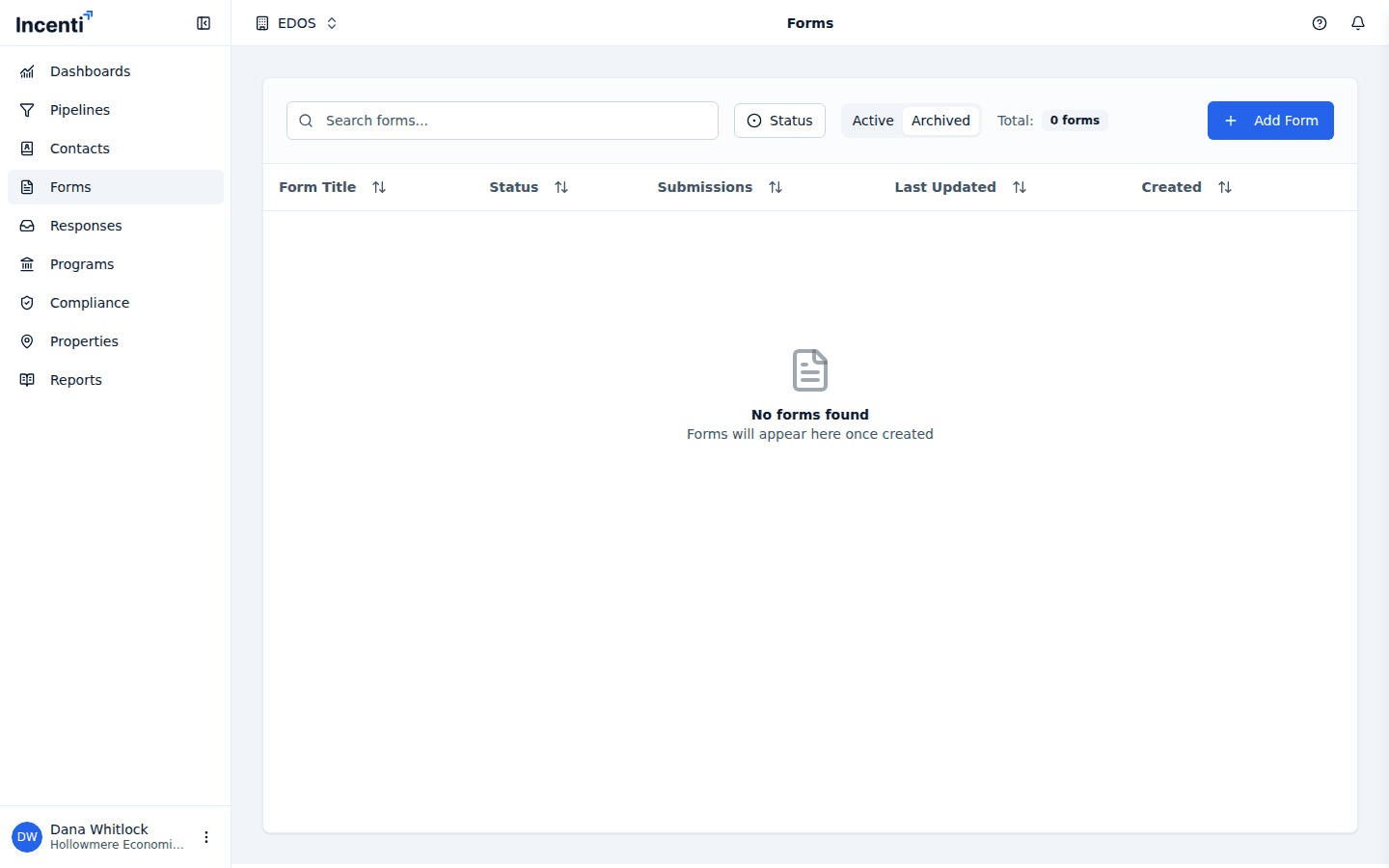
Deleting a form or a response removes it from every list for everyone on the account and cannot be undone from the product. A deleted form's responses go with it. Export anything you need first — see Publish and export a report for report exports and your response export options on Review a response.
Reports and dashboards
- Reports cannot be deleted. Archiving is the only way to take one off the list, and you can unarchive it whenever you like. Exported PDFs and CSVs from a report are separate documents with their own Active and Archived tabs.
- Dashboards can be deleted. The dashboard disappears for everyone on the account, along with its charts, filters, and saved KPIs. There is no Archived tab and no undo in the product — ask support if you deleted one by mistake and need it back.
Documents and files
Deleting a document removes it from the Documents table for everyone on the account. The file itself stays where it was uploaded, and its download link keeps working for anyone who already has it. Deleting a document is therefore not a way to make a file unreachable; treat the link as public once it has been shared.
The same is true of report exports and of files respondents attach to a form: their links stay valid. See Upload and manage documents.
Users
Disabling a user blocks their sign-in immediately and frees any seat they held. Their name stays on the records they created, and an admin can enable them again later.
Deleting a user is different and is worth avoiding:
- The user is removed from your Users list and can no longer sign in.
- Their email address can never be added to Incenti again, on your account or any other. Adding it returns "User already exists".
If someone may come back, disable them instead of deleting. See Invite and manage users.
Contacts, organizations, and opportunities
Deleting a contact or an organization removes it, and the links hanging off it, from your account's lists. Re-importing a CSV that contains the same email address brings that contact back with its history rather than creating a second record — which makes a CSV re-import the practical way to undo a contact deletion.
Deleting an opportunity removes it along with its tasks, notes, metric values, and links to responses and documents. The responses and documents themselves stay; they simply stop being connected to that opportunity.
Notifications and assistant chats
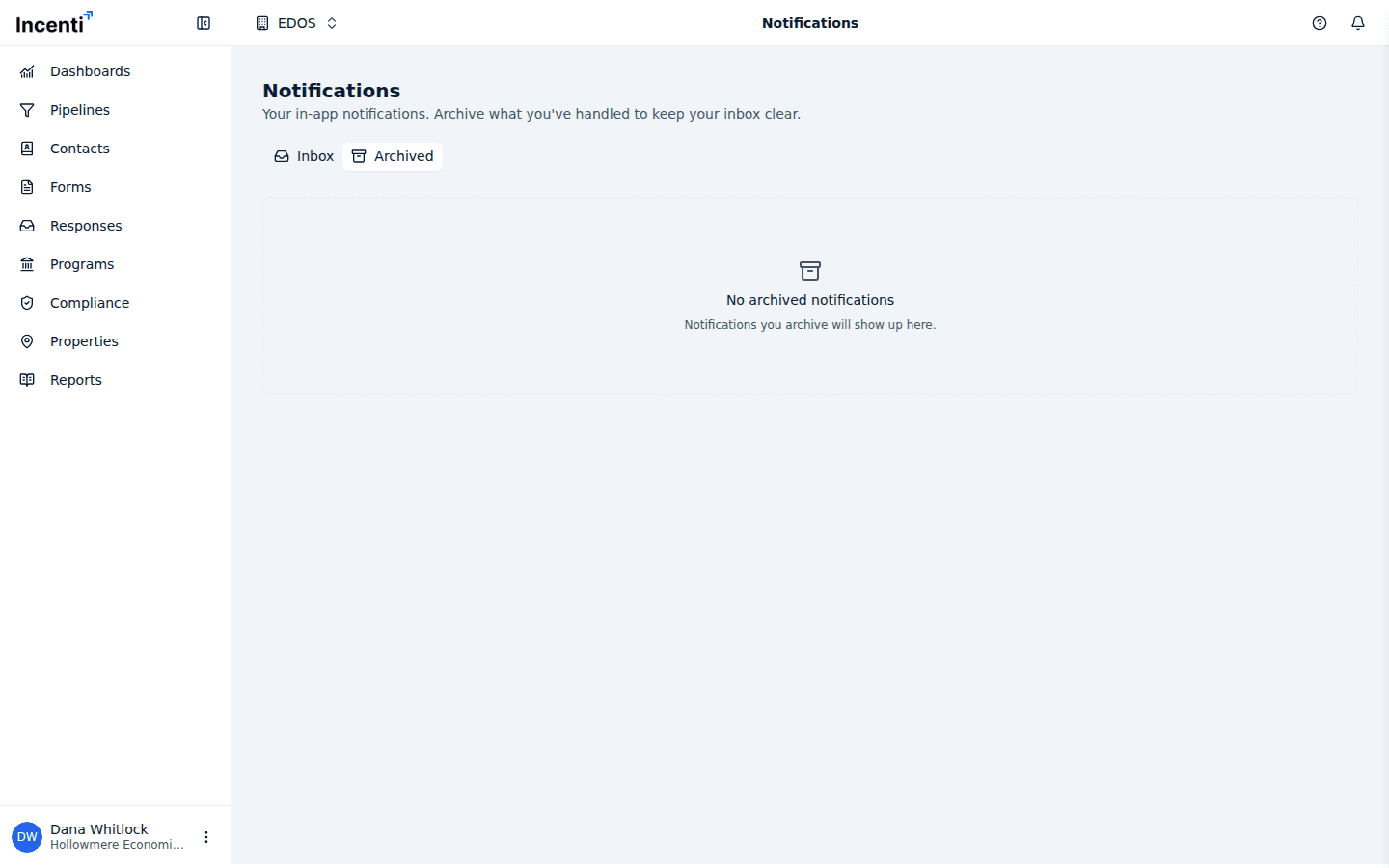
- Notifications are never deleted. Archiving moves a notification between the Inbox and Archived tabs, and you can move it back. There is no clean-up job and no retention window — your archive keeps growing.
- Assistant conversations are kept so Chat history still works months later. In Chats, deleting a conversation removes it for everyone in it.
What support can restore, and closing an account
Contact support@incenti.co if you need something back. Because deletes are not purges, support can usually recover a deleted dashboard, document, contact, opportunity, form, or response, and can free an email address blocked by a deleted user. Tell them the record's name and roughly when it was deleted.
Closing or deactivating an account is an Incenti operation, not a setting on your account page. Once an account is deactivated, every sign-in on it stops with the Account Not Yet Activated screen and nothing on the account is reachable in the product. Email support@incenti.co to request it, and export anything you want to keep first.
Common questions
Q: I deleted a document but the link a colleague has still opens it. Why? A: Deleting a document removes the row from the Documents table; it does not invalidate the file's link. Anyone holding that link can still open the file. Treat shared links as permanent.
Q: I deleted a user by mistake — can I add them again? A: Not with the same email address; Incenti refuses it with "User already exists". Contact support@incenti.co to free the address, and disable rather than delete next time.
Q: Can I get a deleted dashboard back? A: Not from the product — there is no Archived tab for dashboards and no undo. Contact support@incenti.co with the dashboard's name and when it was deleted.
Q: Can I delete old notifications to clean up my list? A: No. Archiving is the only option, and archived notifications are kept indefinitely on the Archived tab.
Q: How do we close our Incenti account? A: Email support@incenti.co. Deactivation is done by Incenti, and it blocks every user on the account from signing in, so export your data first.
Related
Last updated on